Edit Text in Images Online —
Replace Words In Place
Change existing words inside a photo, screenshot, poster, or label. Upload an image, let the editor detect text, select the words to change, and type a replacement. AI rebuilds the selected area to match the visible color, font style, perspective, and surface as closely as the image allows.
Upload a photo to edit text
JPG, PNG or WebP · Up to 10MB
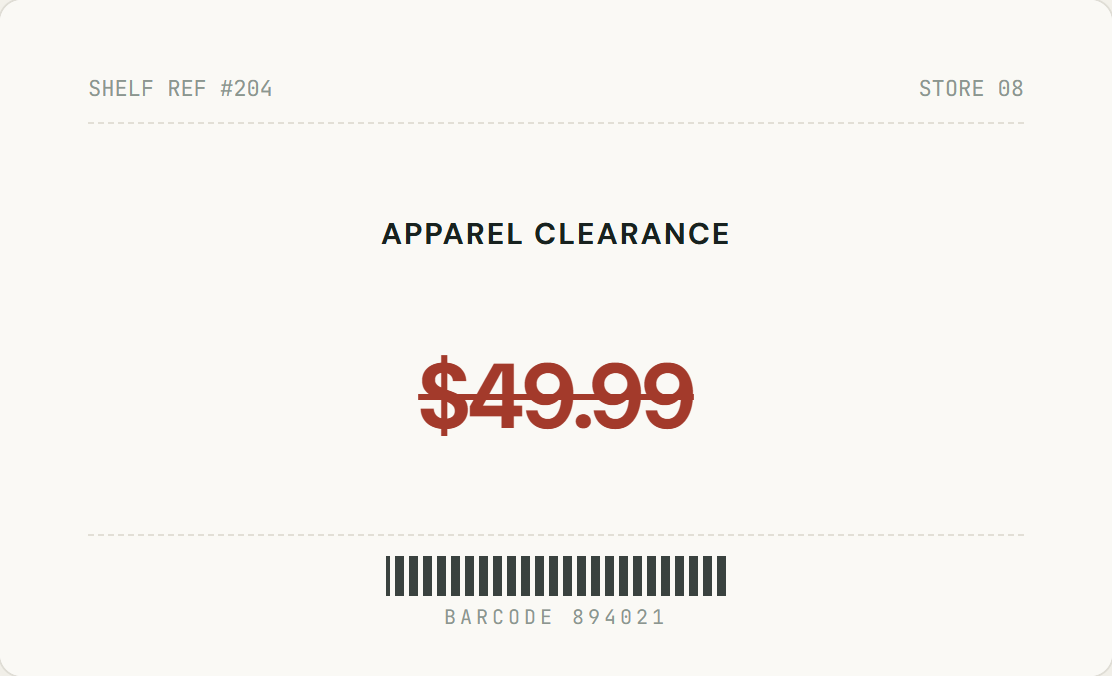
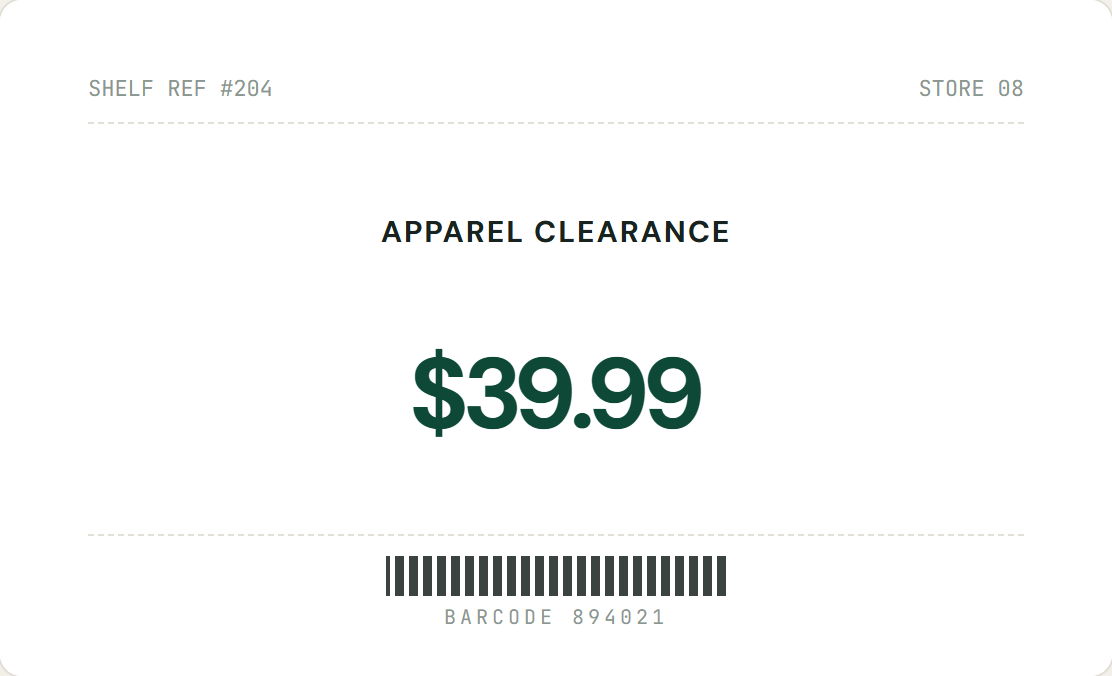
Choose an image or try a sample.
What can you edit in an image?
Edit the words that are already part of a picture instead of covering the whole image with a new text layer.
Photos, screenshots, posters, and ads
Use it for price tags, product labels, app screenshots, social graphics, signs, menus, and simple poster or ad layouts. The best results come from readable text with enough surrounding background for the model to reconstruct.
Text detection plus manual control
OCR-style detection finds text lines in the browser so you can click a phrase. If detection misses stylized lettering or a small label, switch to Manual Select and draw the exact region yourself.
Same font, color, and perspective?
The replacement is generated from the selected source area and aims to preserve its visible style. It is not a font-identification or typesetting tool, so an exact same-font match is not guaranteed, especially on curved, blurry, reflective, or heavily textured surfaces.
Know the privacy and quality limits
Text detection runs locally in your browser. When you choose Replace, the image, selected region, and replacement text are sent to the processing service for that edit; do not upload private material unless you are authorized to process it. Complex backgrounds, extreme perspective, tiny text, and low-resolution screenshots may need a more precise selection or may produce an imperfect result.
How it works
Replace text inside your images in three straightforward steps.
Upload your image
Select or drag a JPG, PNG, or WebP file. Text detection runs in your browser; your selected edit is then processed securely.
Select line or draw a box
Click any detected whole line or phrase. If the text has stylized typography, switch to Manual Select and drag a precise box.
Enter replacement text
Enter the exact text you want. AI recreates it within your selected region while matching the source image.
Edit text in screenshots
Update numbers, test parameters, and user labels on app interfaces cleanly on solid or subtle UI backgrounds.
Update prices directly in an image
Modify discount figures and shelf clearance tags on flat surfaces with clean edge sampling.
Line-First & Manual Select
Edit whole lines at once or draw custom boxes for stylized text.
Selected-region replacement
Your chosen text region is replaced while the rest of the current image is kept unchanged.
Focused processing
Only the image and replacement details needed for your requested edit are sent for processing.
Free, no account
No registration, no tokens, and zero watermarks added to downloaded files.
Frequently Asked Questions
Everything you need to know about processing, text matching, and privacy.
Ready to change text in your image?
Upload an image and replace words in place. Free, watermark-free, and secure.